The launcher
Apps, files, math and commands for your Mac, all from one field.
A launcher, your windows, the notch, battery care and your Mac's vital signs, in one native app that stays out of the way.
For macOS 26 on Apple Silicon.
Every tool answers the same shortcut, shares one settings window and sleeps until you need it.
Apps, files, math and commands for your Mac, all from one field.
Play, pause and skip from the notch.
Hold ⌥ and tap Tab for a live preview of every window.
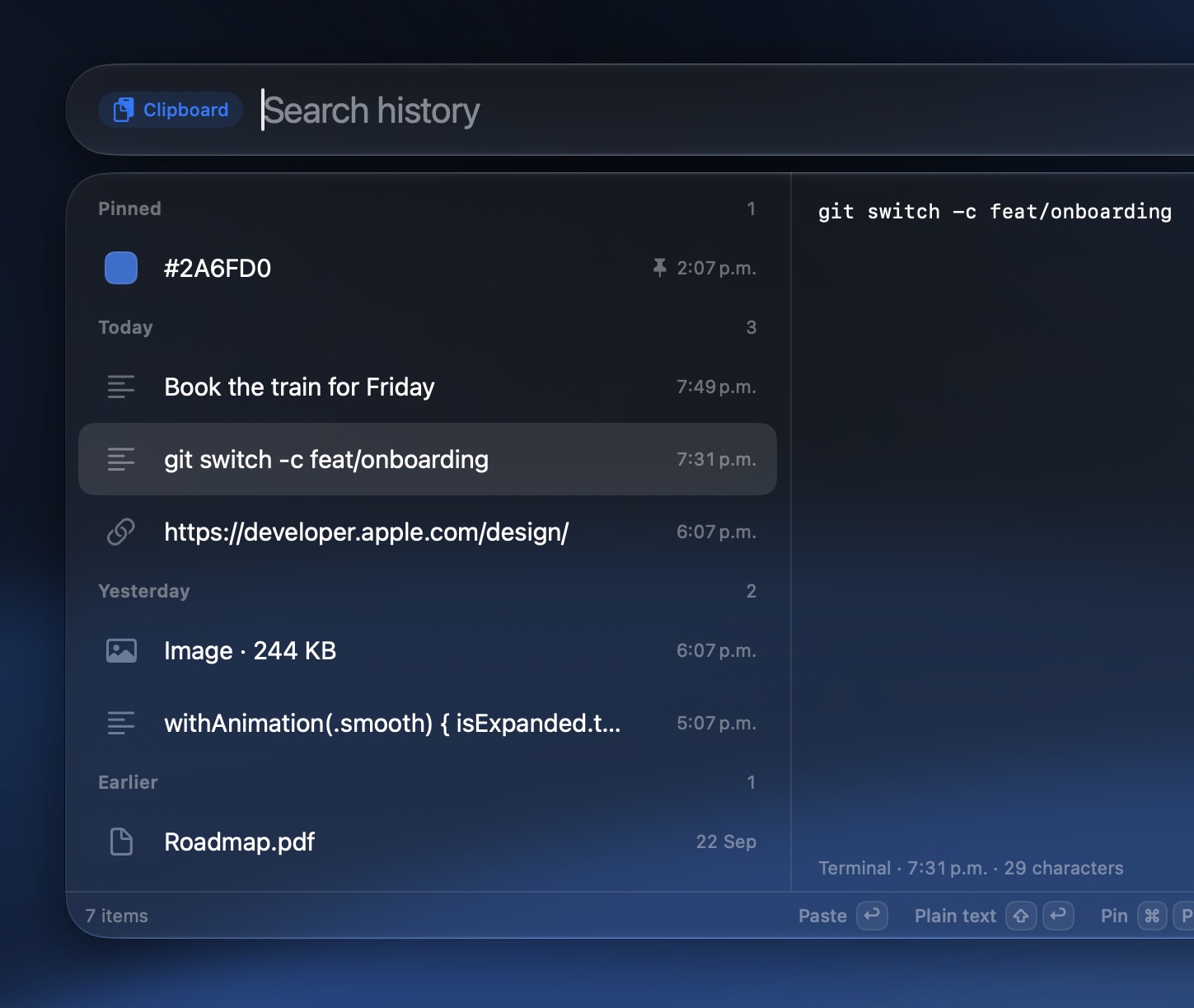
Search everything you copied. Pin the things you paste every day.
Percentages, temperatures and distances.
The level shows beside the notch.
Cost and limits for your coding agents, read from logs on your Mac.
They drop out of the notch onto one card: the app, the time and the message. A burst stacks up to three, and a click opens the app.
Turn on Scrolling for a display and its windows line up side by side at full height, on a strip that never runs out of room.
Move focus. The strip glides to the next window at 120 Hz.
Swipe with three fingers. The strip follows your fingers.
Cycle the width. R steps through a third, a half and two thirds. F toggles full width.
Nothing gets lost. Windows past the edge wait as 5 px slivers.
Alkit sets the charge limit macOS already has. No helper to install, and the limit holds while your Mac sleeps. Heat protection pauses charging when it runs hot, and the power flow shows where every watt goes.
Charging to 80%
Pick who drives the fans. Alkit only ever adds speed, never less than macOS asks for.
Next to the Alkit icon, show the charge, the hottest CPU or GPU core, memory in use and fan speed. Five styles, from a single icon to a full readout.
Memory with every mini-app on, measured on a Release build in everyday use.
The network is used for currency rates, Quicklink icons and checking your license. Nothing else.
Built for macOS 26 and Apple Silicon.
Launch price for early buyers. Then $29.99.
US dollars. Tax added at checkout where it applies.
Every mini-app included. Requires macOS 26 on Apple Silicon.